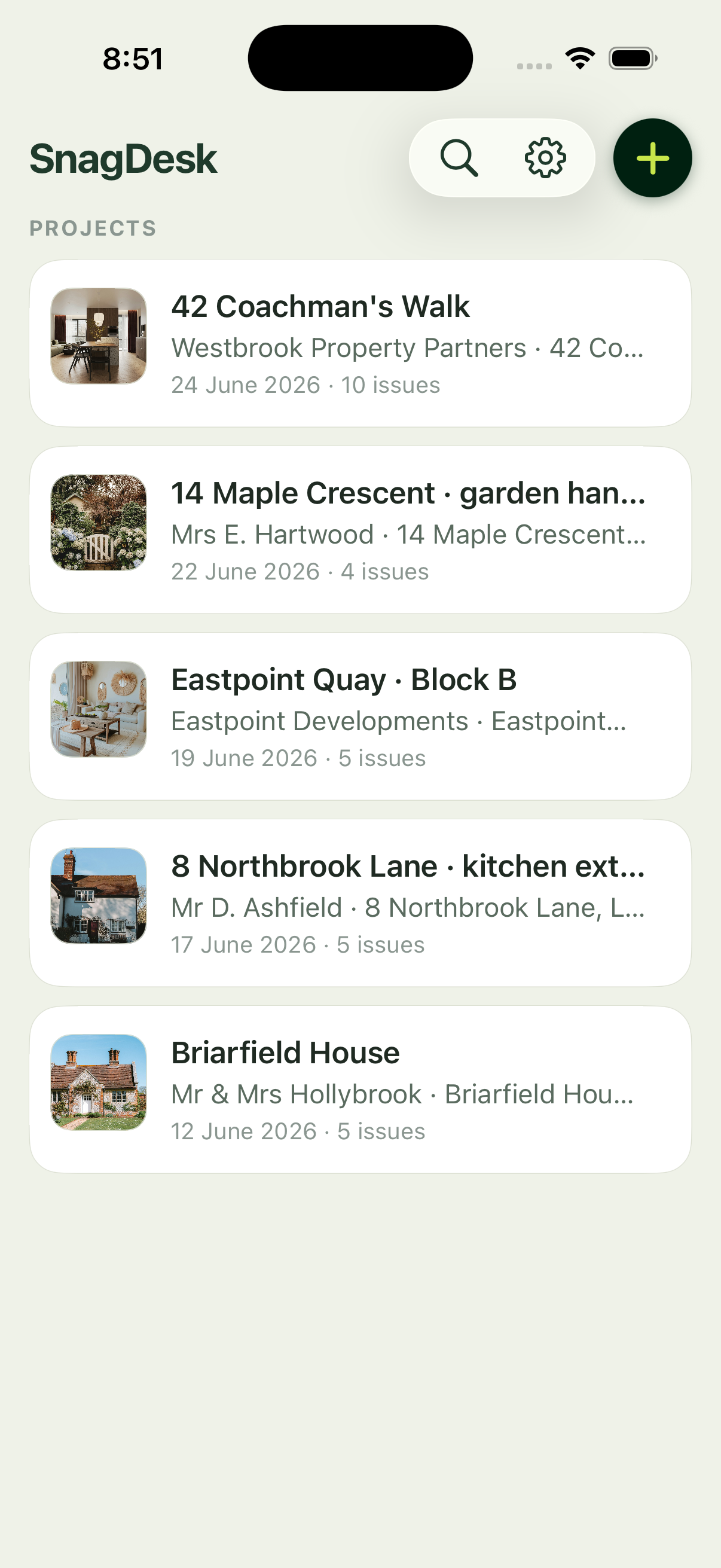
A site manager lives or dies by the state of the list. When defects are scattered across notebooks, texts and half a dozen trades' memories, sign-off slips and the same snags come back three times. SnagDesk gives you one accurate, photographed defect list per plot, so you always know exactly what's outstanding and where.
A day with SnagDesk
You're walking Block B. On plot 14 the kitchen worktop sealant has failed, so you photograph it, box the gap, tag it "Plot 14, kitchen" and note the fix. On plot 16 the smoke alarm sits proud of the ceiling, and that goes in the same way. Every snag lands under the right plot, not a general pile, so when a trade asks what's left on plot 14 you have the answer in seconds.
At the end of the walk you export a report per plot, branded and photographed, and send it to the relevant trade or up the chain. No retyping, no chasing, no signal required on a half-built block.
Built for managing a live site
Plots and locations
Group every snag by plot and location, so nothing lands against the wrong unit.
A report per plot
Generate a branded PDF for any plot the moment a trade needs it.
Works on a bare block
No signal and no account, so it works from the first plot to the last.
Nothing falls through the cracks
When every defect is photographed and located, sign-off stops being a negotiation. Trades can see exactly what's outstanding, the client trusts the record, and you spend less of your week re-walking plots to settle disputes.
See how projects, plots and locations work, or read about the app on the features.