As a contractor you're judged on how you finish, not how you start. The snags at handover are where a job either wraps up cleanly or drags on for weeks of disputed lists and "I thought you'd done that". SnagDesk is built to make the finish quick and unarguable: a photographed, marked-up defect list that turns into a report the moment the walk is done.
A day with SnagDesk
You arrive at the plot for the pre-handover walk. You open the project you set up earlier, with the client and address already in it. In the kitchen you spot a chip in the worktop edge. You photograph it, draw a box round the chip, tag it to "Kitchen, worktop" and add a one-line note. That's the whole snag, logged in under a minute, and you've already moved on to the next room.
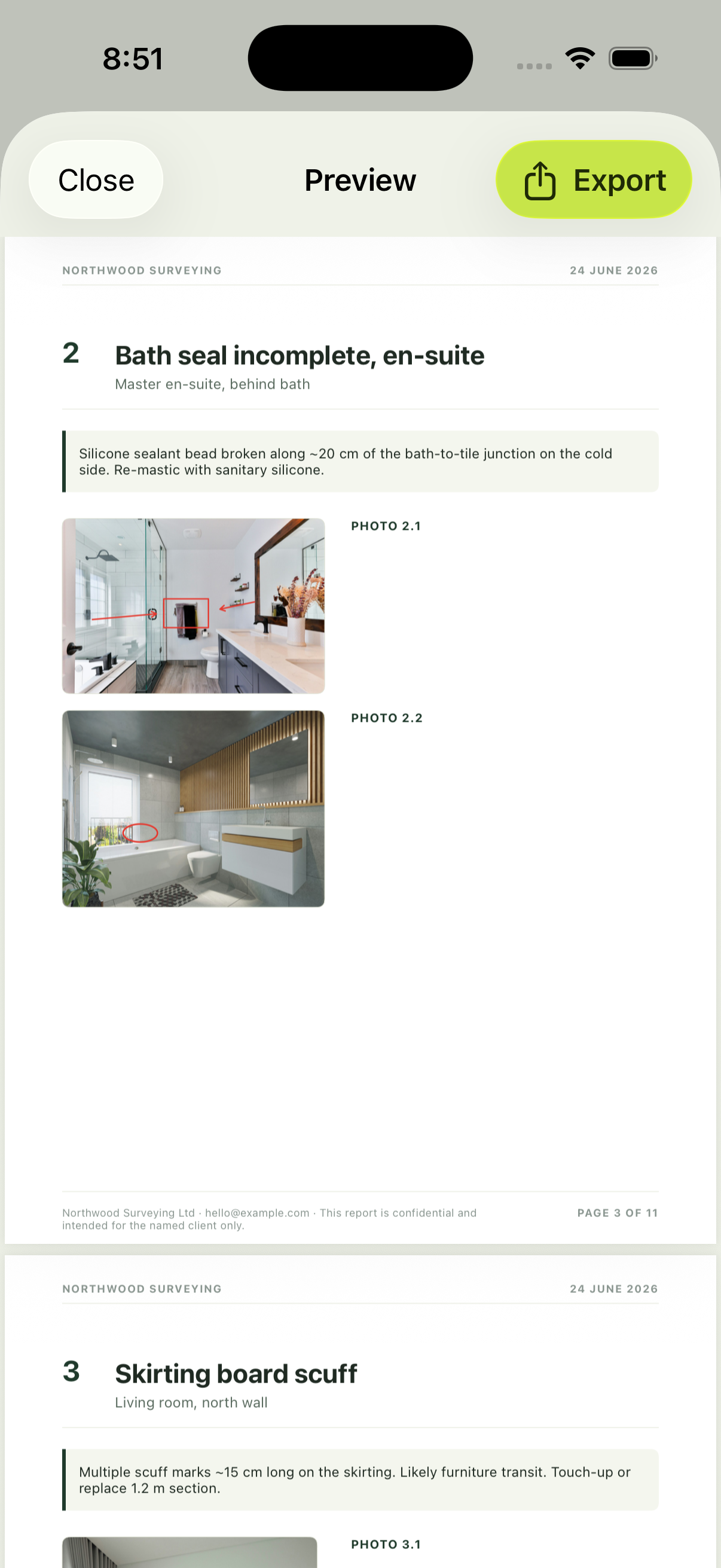
There's no signal in the plot, and it doesn't matter, because none of this needs one. By the time you reach the front door you've logged the lot. You tap to generate the report, and a branded PDF with your company name and logo comes out with every snag photographed and located. You email it to the client from the driveway. The job is closing before you've started the van.
Built for how contractors work
Photo evidence
Every snag carries a marked-up photo, so there's no argument over what and where.
Your branding
Reports go out under your company name and logo, not someone else's.
No signal needed
Bare shells and basements are fine. It all works offline on your iPhone.
Fewer disputes at handover
Most handover arguments come down to a vague list. A photographed, located snag leaves no room for interpretation, which means fewer return visits, faster sign-off and a client who trusts the paperwork. That reputation is what wins the next job.
See the full picture on the features, or read how branded PDF reports come together.