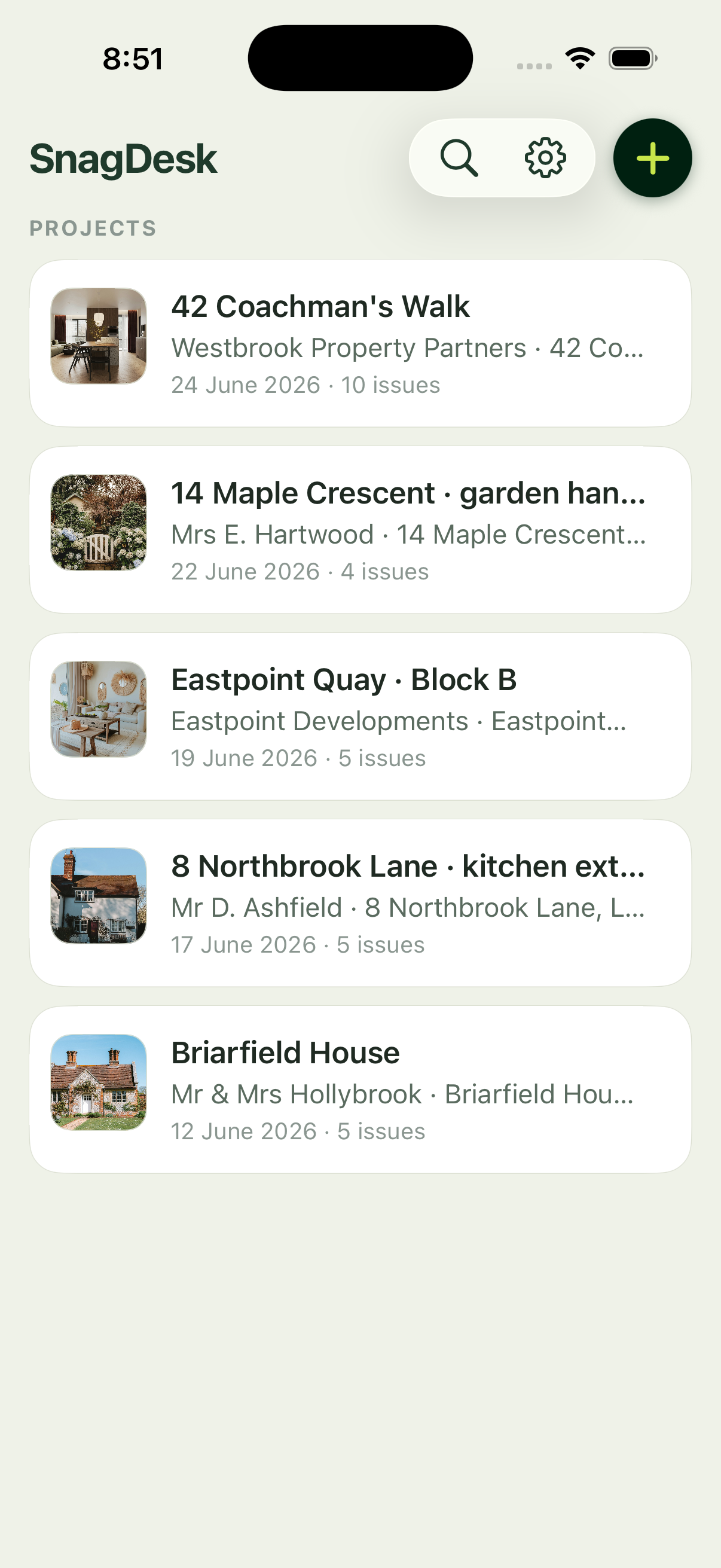
A snag list is only useful if you can tell what belongs where. Dozens of defects in one flat pile is how things get missed and how the wrong trade gets sent to the wrong room. SnagDesk keeps everything organised by project and location, so the structure is there from the first snag you log.
Set up a project in seconds
A project holds the client, the site address and the inspection date. You create it once, and every snag you log during the walk lands under it automatically. No naming files, no folders, no reconciling later.
Tag each snag to its location
Every defect carries a location, so you can work plot by plot or room by room and keep the list clean. When you generate the report, snags appear grouped and located, which is exactly what a builder or trade needs to close them out.
One job, one clean list
Because the structure is built in, the report reads like a professional document rather than a jumble. For site managers running several plots, that organisation is the difference between a controlled handover and a week of chasing.
It all works offline
Projects, plots and locations live on your iPhone. You can set up and organise a job with no connection at all, which suits a site that has no reception yet.