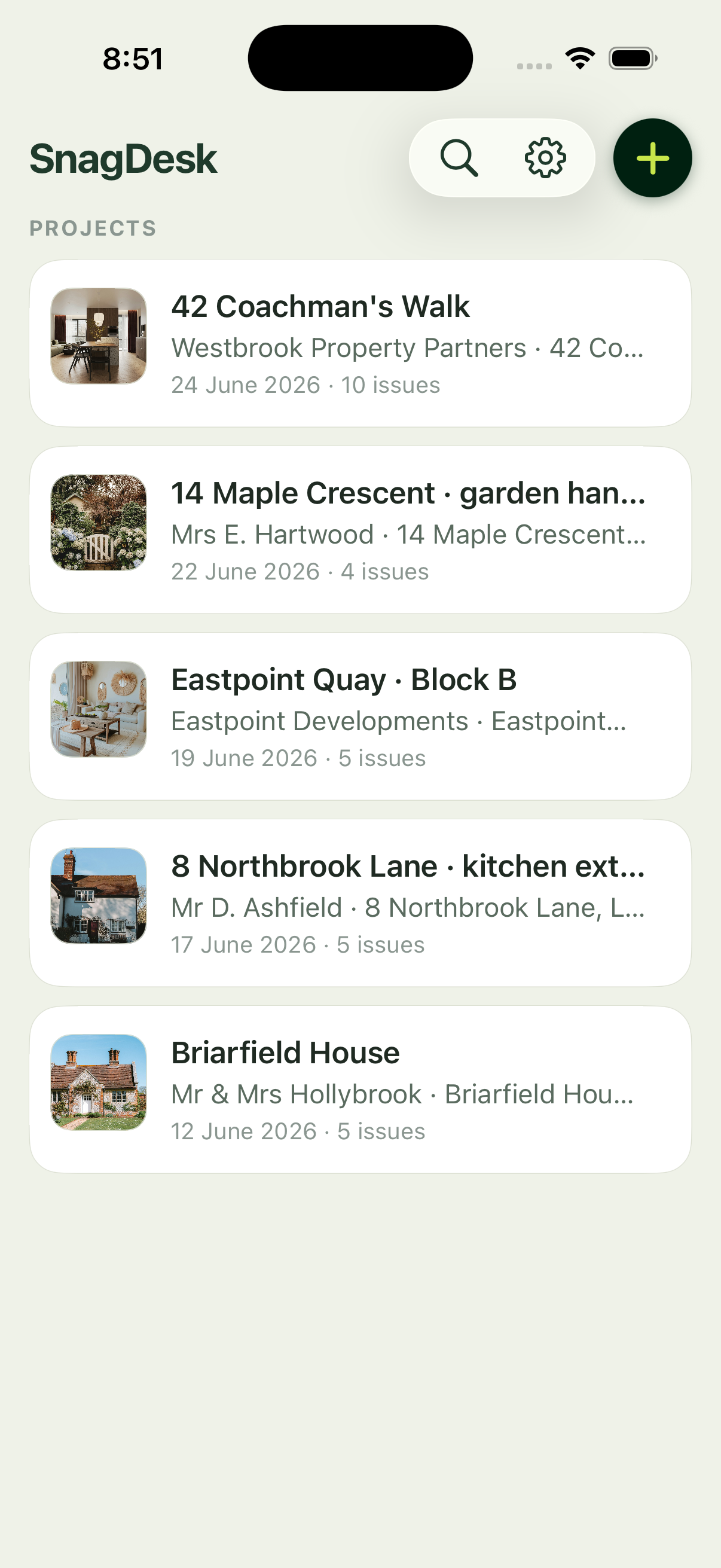
Half-built sites are exactly where a connection lets you down. Thick walls, basements, plots miles from the nearest mast. Most snagging tools quietly assume you're online, then stall the moment you aren't. SnagDesk is built the other way round: everything happens on your iPhone first, so a dead signal never stops the walk.
No account, no sign-in
There's nothing to register and no password to remember. You download the app and start logging on the first plot. That means no waiting on a sign-in screen with one bar of signal, and no locked-out feeling when a site has no reception at all.
Everything on your iPhone
Projects, snags, photos, markup and report settings are all stored locally on the device. Capturing a defect, drawing on the photo and generating the PDF all run without a connection, so the app behaves the same in a signal blackspot as it does on wifi. Nothing has to sync before you can carry on to the next room.
Your data stays yours
Because there's no cloud, there's no copy of your reports sitting on someone else's server. There's no account to be breached and no tracking following you between jobs. Your data lives on your phone, and it's included in your iCloud device backup if you've switched that on in iOS Settings, which keeps it safe without ever passing through us.
Send when you're ready
You capture with no signal, then send when it suits you, from the doorway or back at the van. The report is a normal PDF, so you email it with your own apps whenever you next have a connection. Offline is the default, not a degraded mode you have to switch on.